

Understand the difference between a controller offset, adjustment limit and usable driving height before lowering your Audi’s factory air suspension.
There is no single maximum drop for every Audi with factory air suspension. The lowest achievable position depends on the vehicle, suspension configuration, existing modifications and physical clearance. A controller's displayed range is only one part of that picture. Virtual Link lets supported owners explore the available range, adjust the front and rear and save preferred heights. The useful question is which positions work for your build and how you want to use them.
Separate the parked position from the driving height
The lowest position the car can reach while stationary is not automatically a suitable road setting. Steering, load and road inputs require room for the tires and suspension to move. Bodywork clearance also changes as the vehicle crosses a ramp or uneven surface. A practical everyday profile and a very low parked profile can therefore be different settings. Saving both lets you choose the appropriate one without changing mechanical links again. The suspension's physical limits remain in place whichever control method you choose. A wider interface range does not create additional wheel clearance or suspension travel.
Does a dedicated air-out device always go lower?
No. In Pinnatec's experience, Virtual Link can achieve equally low positions in many applications. Dedicated solenoid venting is still constrained by the air bags' check valves and the complete vehicle setup; it should not be described as removing every physical limit. Some setups may also recover to driving height faster using Virtual Link. That is an application-dependent result rather than a guaranteed speed advantage. Our TGK Dumpbox comparison explains the functions and why owners may choose one product or combine them. For a meaningful comparison, evaluate the same vehicle under comparable conditions. Two photos with different wheels, tires, load or camera angles cannot establish which system reaches a lower height.
Establish what the numbers mean on your car
Measure the starting wheel-center-to-fender height at each corner on level ground. Record the selected factory mode, load and existing modifications. Corner calibration establishes a reference before you begin saving front and rear profiles.
Lowering links and previous coding can shift that starting point. Virtual Link works with factory or aftermarket links, but selecting zero does not necessarily restore the original factory height. The lowering-links guide explains how to account for those changes. Follow the operating instructions for your hardware and software. Any specified limit on a single adjustment step is an operating instruction, not a promise of a recommended total drop. Breaking a change into smaller steps does not remove physical constraints.
An appearance reference, not a universal drop chart
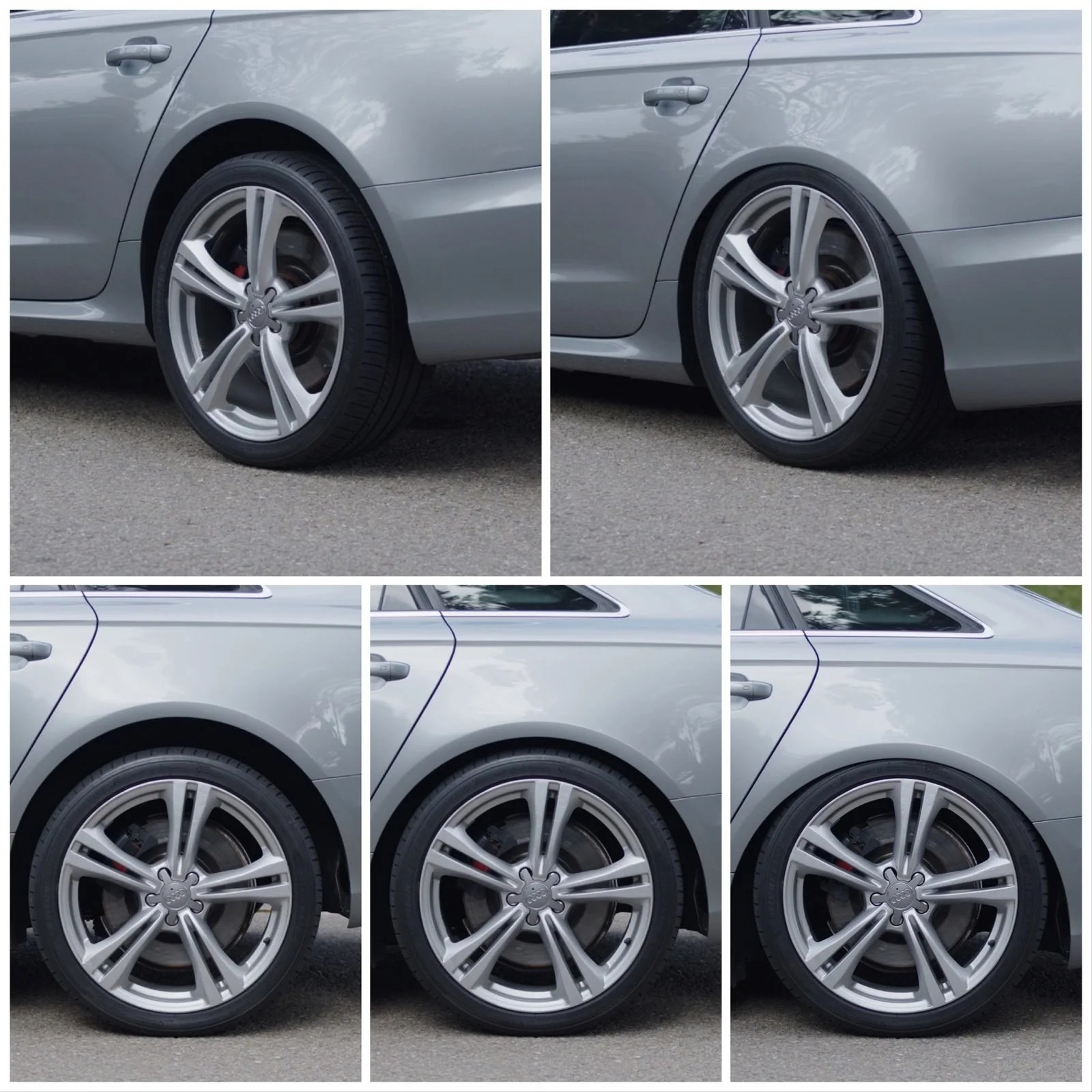
Pinnatec’s stance montage shows why height changes are visually noticeable. No numerical drop or universally suitable driving position is inferred from these images.
Measure your own starting position. A controller offset describes a change from the configured baseline, which may already include lowering links or coding.
Save the usable range, not just the lowest point
Create an everyday position first and check it with your actual wheel-and-tire package. Then make measured changes to explore the stance, including front-to-rear balance. Save the profiles you want to retain and name them clearly. The Wi-Fi web interface and Bluetooth mobile app provide access to those controls. Supported factory drive-mode mapping lets you recall configured positions without leaving the app open or keeping the phone connected. Height adjustment is available on the fly within the operating capabilities of the setup. For owners who also use the car on a closed course, stored height and rake choices can make testing more repeatable. A lower position should not be assumed to improve handling or launches without evaluating the result.
Ask a question specific to your build
Instead of asking only for a maximum drop, include the vehicle, suspension type, controller, baseline measurements and wheel-and-tire specifications. Mention links, coding, replacement air components and the intended use. Those details let Pinnatec support discuss the actual setup. Check Virtual Link compatibility to find the appropriate controller, then build profiles around the heights your car can use.
Ready to choose your setup?
Buy now
